Reliable tools for work beyond the office
What does a field operations software partner do?
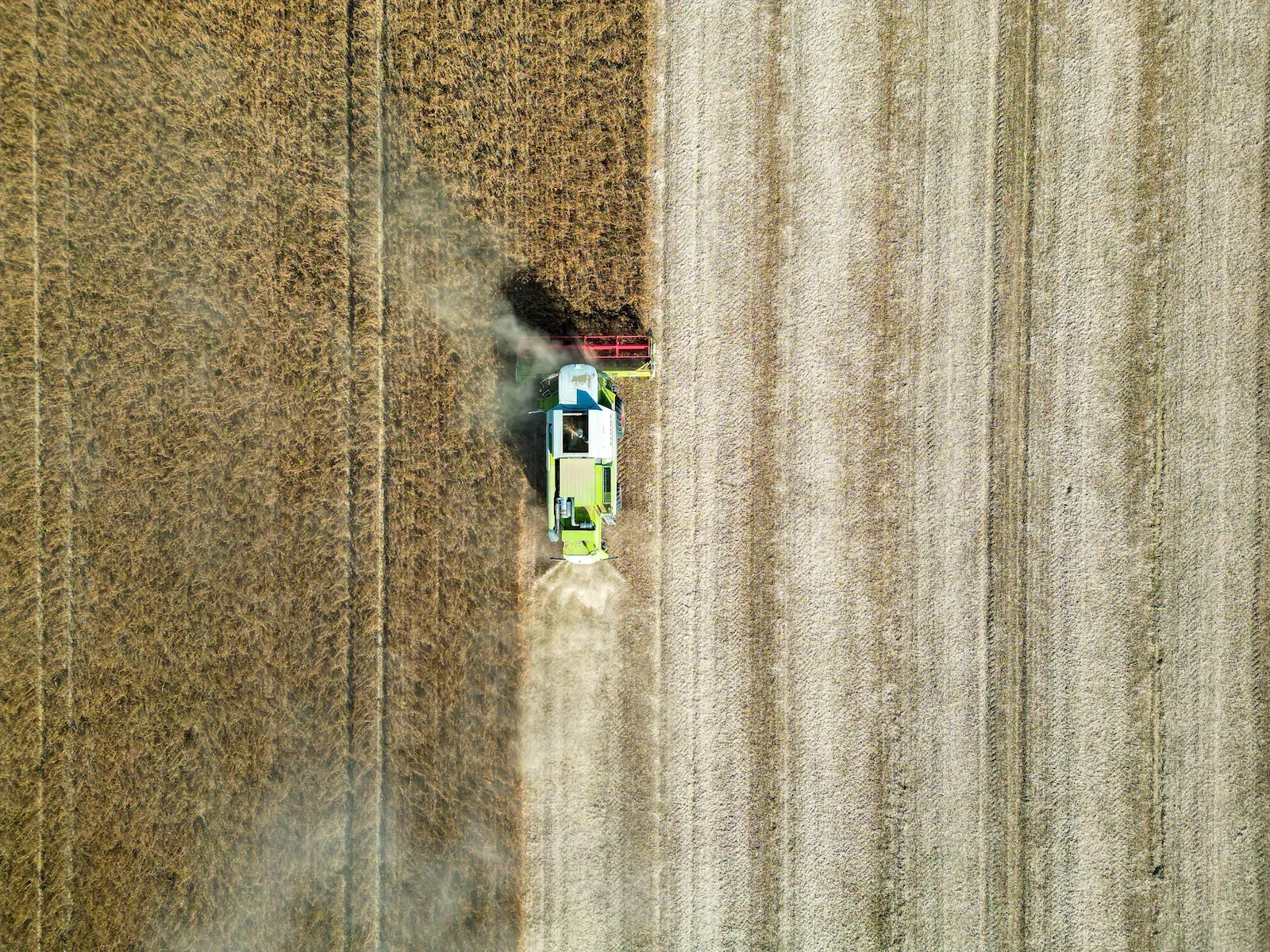
An agriculture and field operations software partner builds tools around work performed at farms, yards, warehouses, vehicles, and job sites. Lightning Kite builds field-ready software for agriculture, landscaping, irrigation, inventory, ordering, and distributed operations. We develop offline-capable mobile apps, web operations tools, ordering systems, inventory integrations, and cloud services that keep field and office teams working from consistent information.
When connectivity is unreliable or critical work is still coordinated through paper, spreadsheets, and manual exports, we help you create practical tools that fit the realities of the field. Depending on the workflow, that can involve offline-capable mobile app development, backend integrations, or a shared Kotlin Multiplatform product spanning field and office use.
What problems should field software solve?
How can an app work with poor connectivity?
Define what works offline, what is pending, how conflicts resolve, and when data has synchronized.
How can field and office data agree?
Establish authoritative systems and synchronization rules instead of copying data through manual exports.
How should software fit physical work?
Account for gloves, sunlight, shared devices, interruptions, vehicles, and time pressure.
What can Lightning Kite build?
Field teams need software that works where the work happens, even when connectivity, weather, devices, and schedules are unpredictable. Good systems connect field activity to dependable office operations.
Offline Mobile Tools
Data capture, lookup, ordering, inspections, and tasks that remain useful without dependable service and synchronize safely when teams reconnect. Clear status indicators help workers know what has and has not been submitted.
Inventory & Ordering
Connect field demand with catalogs, accounts, warehouses, and fulfillment so teams can make accurate decisions without duplicate entry. Current availability and order status reduce calls between field and office teams.
Dispatch and Work Management
Schedules, assignments, status updates, approvals, and exception handling that give managers a current view of distributed work. Teams can respond sooner when plans, priorities, or conditions change.
Operations Systems
Dashboards and APIs connecting mobile activity to established systems, helping leaders improve service without replacing everything at once. Shared operational data supports better planning, reporting, and customer service.
How should you plan field software?
Start with field conditions
Document the environment, offline needs, domain data, devices, and workflows that generic tools cannot represent efficiently.
Connect field and office operations
Define how inventory, ERP, mapping, weather, customer records, dispatch, payments, identity, devices, and reporting should work together.
Validate the plan in the field
Account for synchronization, maps, hardware, integrations, workflow breadth, migration, field testing, and rollout before committing to a delivery schedule.
Field Operations Experience
Our nine-plus-year Vanden Bussche Irrigation partnership supports contractors and landscapers through specialized catalogs, ordering, multi-warehouse logistics, and a shared web, iOS, and Android product.
Our Field Software Process
1
Discovery
We review the users, current systems, and goal. Together we choose a first release and identify the dependencies that affect cost and timing.
2
Design
We sketch the workflows and interface so you can review how the product will work. Designers and engineers resolve questions together as the plan develops.
3
Development
We build in stages and share working software for your feedback. Each review helps us check the implementation against the agreed scope.
4
Testing
We test core workflows, permissions, and failure cases as the product develops. Before launch, we check the release on its supported devices and environments.
5
Deployment
We prepare the hosting or app-store release, confirm account access, and plan the rollout. Monitoring and a recovery plan help the team handle problems after launch.
6
Ongoing support
We agree on the support the live product needs, including fixes, updates, and later features. Responsibilities and response expectations belong in that plan.
Frequently Asked Questions
Can field applications work without internet access?
Yes. We design defined workflows to continue offline and synchronize safely later, with visible status and appropriate conflict handling.
Can you integrate inventory across multiple warehouses?
Yes. We model location-specific availability and fulfillment rules, then connect to authoritative inventory systems.
Do you build for phones, tablets, and web?
Yes. We select platforms around field tasks and office responsibilities and share business logic where useful.
Can you replace spreadsheets used by field teams?
Yes. The replacement preserves useful flexibility while adding validation, synchronization, permissions, and reporting.
How do you test offline synchronization?
We test interruptions, repeated actions, stale data, conflicts, partial synchronization, restarts, and recovery.
Can you support a field app after rollout?
Yes. We maintain platform compatibility, integrations, production behavior, and new workflows as operations evolve.
Related Field Software Services

Mobile App Development
Native-feeling iOS and Android apps built for performance, reliability, and long-term maintainability.

IoT Development
Connected device systems that bring firmware, mobile, cloud, and web experiences together.

API & Backend Development
Robust backend architecture, integrations, and typed APIs that keep products fast and dependable.
Explore our Industry Experience

Retail & E-Commerce
B2B ordering, mobile commerce, loyalty applications, operational integrations, and platform modernization.
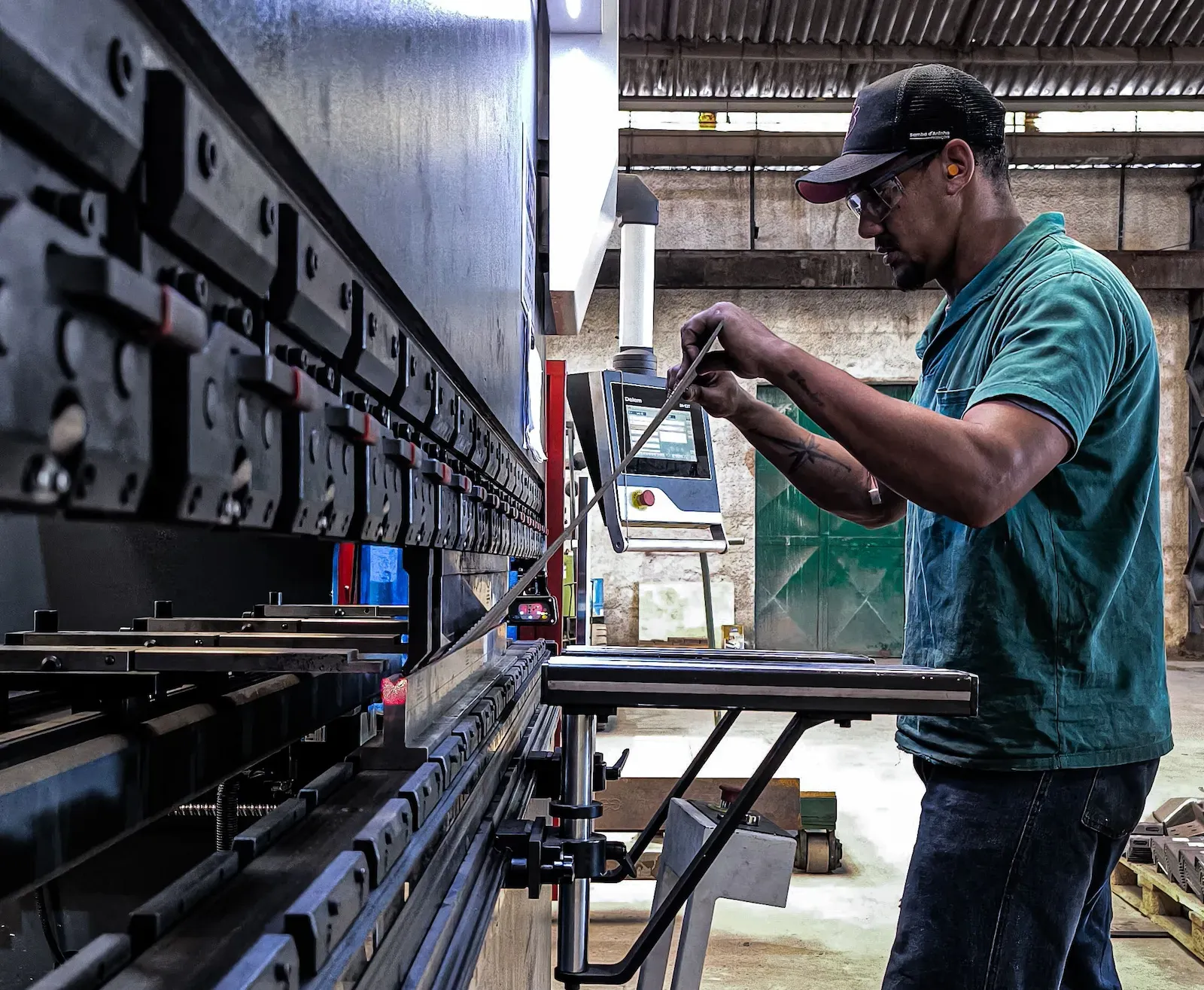
Manufacturing & Connected Products
Mobile apps, IoT cloud systems, device pairing, over-the-air updates, diagnostics, and product support.

Fintech & Financial Services
Secure financial applications, dependable integrations, traceable calculations, reporting, and product modernization.